
Best Help Desk Software for Small Business
If you’re still managing customer support through a shared Gmail inbox, forwarding emails to your team, and hoping nothing slips through — I’ve been there. It works until it really doesn’t.
At some point, a customer emails twice asking about an order, nobody notices, and by the time you reply, they’ve already left a one-star review. That’s not a people problem. That’s a systems problem.
Help desk software fixes that. And no, you don’t need an enterprise budget or a 10-person IT team to run it.
Now I’m walking you through the best help desk software for small businesses in 2026 — what they cost, what they actually do, and which one makes sense depending on where your business is right now.
What Is Help Desk Software, and Why Does Your Small Business Need It?
Help desk software is essentially a command center for every customer conversation your business gets. It takes incoming requests — whether they come through email, live chat, social media, or your website — and turns them into organized “tickets.”
Each ticket holds the customer’s details, their issue, who it’s assigned to, and its current status. Instead of hunting through email threads trying to remember who responded to what, your whole team sees everything in one place.
SaaS Security Posture Management Tools
For small businesses specifically, this matters for three concrete reasons:
You stop dropping the ball. No more “I thought you replied to that” situations. Every ticket has an owner, a status, and a deadline.
You look bigger than you are. A professional support portal with quick, consistent responses builds trust fast — even if it’s just two people handling it.
You get real data. How many tickets did you get this week? What’s your average response time? Where are customers getting stuck most often? You can’t improve what you can’t see.
What to Look for Before You Buy
Before you start comparing tools, get clear on what you actually need. Here’s what separates good help desk software from a purchase you’ll regret six months from now:
Ease of setup. Small businesses don’t have an IT department to configure things. If it takes more than a day to get running, that’s a red flag.
Pricing that doesn’t punish growth. Watch out for per-agent pricing that seems cheap at two agents but becomes a budget nightmare at ten. Some tools offer flat-rate plans — those tend to work better for growing teams.
Omnichannel support. Your customers aren’t all emailing you. They’re messaging you on Instagram, chatting on your website, and calling. A good help desk pulls all of that into one unified inbox.
Automation. Auto-routing tickets to the right person, sending status updates to customers, triggering follow-ups — these features save hours every week on a small team.
Knowledge base. A built-in self-service portal where customers can find answers on their own means fewer tickets in the first place. That’s a huge win for lean teams.
Reporting. You should be able to see your team’s workload, resolution times, and customer satisfaction scores without needing a data analyst.
The 7 Best Help Desk Software for Small Business in 2026
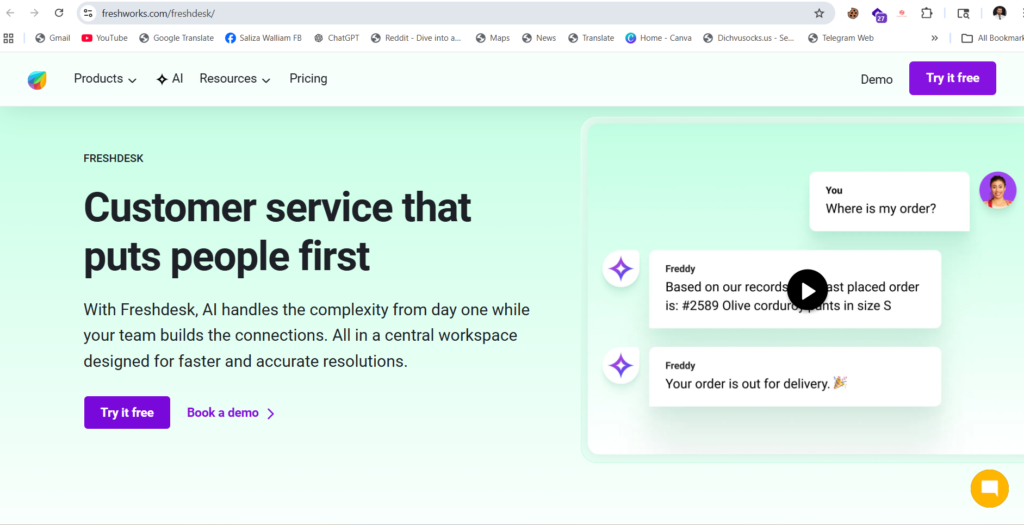
1. Freshdesk — Best Overall for Small Teams
Freshdesk has been around for over a decade, and there’s a reason it’s still one of the most recommended options for small businesses. It offers a clean interface, genuinely fast setup, and a free plan that’s actually usable — not just a teaser.
The free tier supports unlimited agents, which is rare. You get email and social ticketing, a knowledge base, and basic reporting. For small businesses just getting started, that’s enough to solve most of the chaos.
As you grow, Freshdesk scales into full omnichannel support — adding live chat, phone, and WhatsApp. The automation tools let you set up rules that route tickets, send canned responses, and prioritize urgent requests without any manual work.
What we like: Generous free plan, fast learning curve, strong automation on paid tiers.
Watch out for: The more powerful AI features and omni-channel tools come at a higher price point. Do the math at 10+ agents before committing.
Pricing:
- Free: Up to 10 agents, basic ticketing
- Growth: $23/agent/month
- Pro: $66/agent/month
- Enterprise: $107/agent/month
Best for: Small businesses that want a mature, reliable platform and might need omnichannel support as they grow.
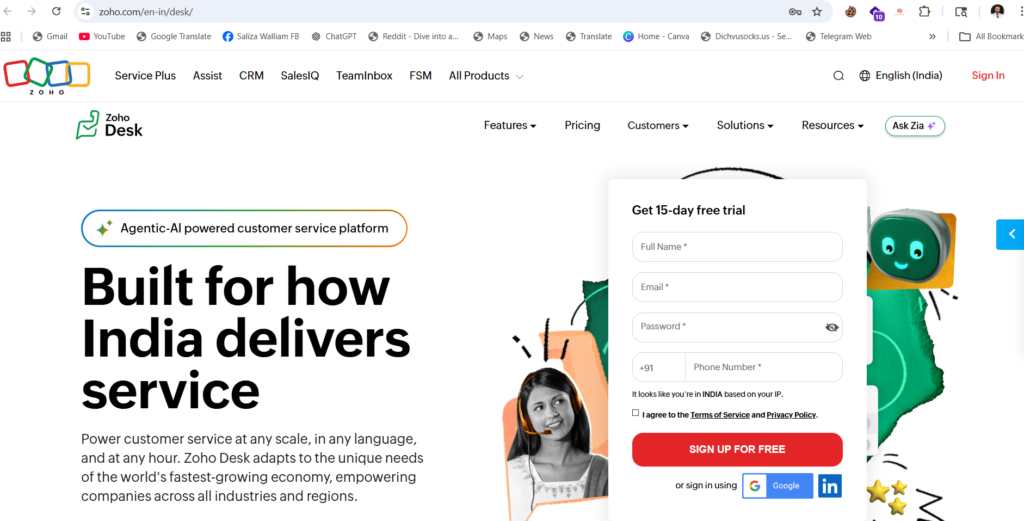
2. Zoho Desk — Best Value for the Price
If budget is a top concern and you want real features — not just the basics — Zoho Desk is probably the most underrated tool on this list.
It’s part of the broader Zoho ecosystem, which means if you’re already using Zoho CRM or Zoho Books, the integration is seamless. But even as a standalone product, it punches well above its price point.
The context-aware ticketing system shows agents the full customer history right alongside the ticket — no switching tabs, no hunting through old threads. Their AI assistant, Zia, helps with sentiment analysis, auto-tagging, and anomaly detection, which is impressive at this price.
What we like: Excellent value, strong CRM integration, AI features without enterprise pricing.
Watch out for: The interface can feel a little cluttered compared to cleaner tools like Freshdesk or Help Scout.
Pricing:
- Free: Up to 3 agents
- Standard: $14/agent/month
- Professional: $23/agent/month
- Enterprise: $40/agent/month
Best for: Budget-conscious businesses already in the Zoho ecosystem, or anyone who needs solid CRM-connected support.
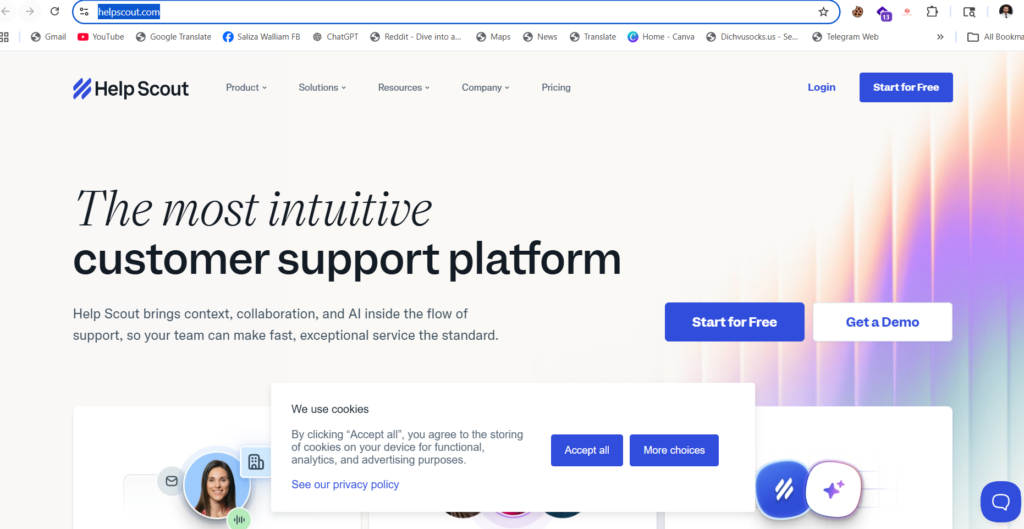
3. Help Scout — Best for Customer-Facing Teams
Help Scout takes a different approach from most tools. Instead of a traditional ticketing interface, it looks and feels like a shared inbox — which means your team adapts to it in hours, not weeks.
Customers never see ticket numbers or robotic confirmation emails. They get responses that feel personal, even when they’re partially automated. For businesses where the customer relationship matters — agencies, consultants, SaaS companies, boutique retailers — that’s a meaningful difference.
It includes a built-in knowledge base (called Docs), live chat (Beacon), and reporting on customer satisfaction. The reporting isn’t as deep as some competitors, but for most small teams it covers what you need.
What we like: Clean, human-feeling experience, fast adoption, great for relationship-driven businesses.
Watch out for: Less suited for heavy IT/technical support workflows. No built-in phone support.
Pricing:
- Standard: $22/user/month (up to 25 users)
- Plus: $44/user/month
Best for: Service businesses, agencies, and SaaS companies where the customer relationship is everything.
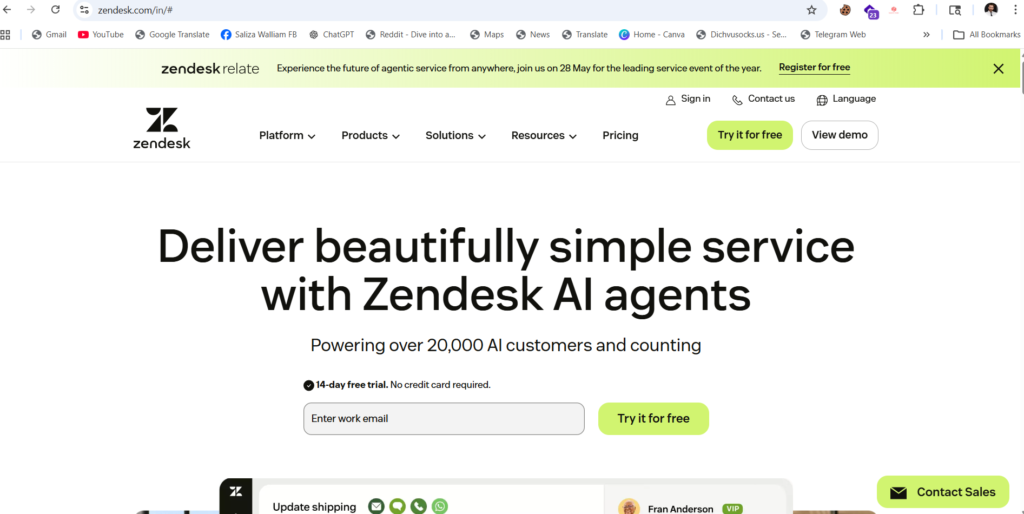
4. Zendesk — Best for Businesses Planning to Scale
Zendesk is the most well-known name in customer support software, and for good reason. It’s powerful, flexible, and integrates with practically everything. Over 1,800 app integrations. Enterprise-grade security. AI features on every plan tier.
That said, it’s not always the right fit for a business of five people. The platform has a steeper learning curve, and while the starting price at $19/agent/month seems accessible, costs add up quickly when you start adding AI features, advanced reporting, or more agents.
If you’re a small business today with serious plans to grow into a mid-market company in the next 12–24 months, Zendesk makes sense because you won’t have to migrate later. But if you’re staying small and lean, there are better-value options on this list.
What we like: Industry-leading integrations, top-tier AI capabilities, scales to any size.
Watch out for: Pricing gets expensive fast. AI features are available on all plans but advanced ones cost extra.
Pricing:
- Team: $19/agent/month
- Suite Growth: $55/agent/month
- Suite Professional: $115/agent/month
Best for: Businesses expecting significant growth who want to invest in infrastructure now rather than migrate later.
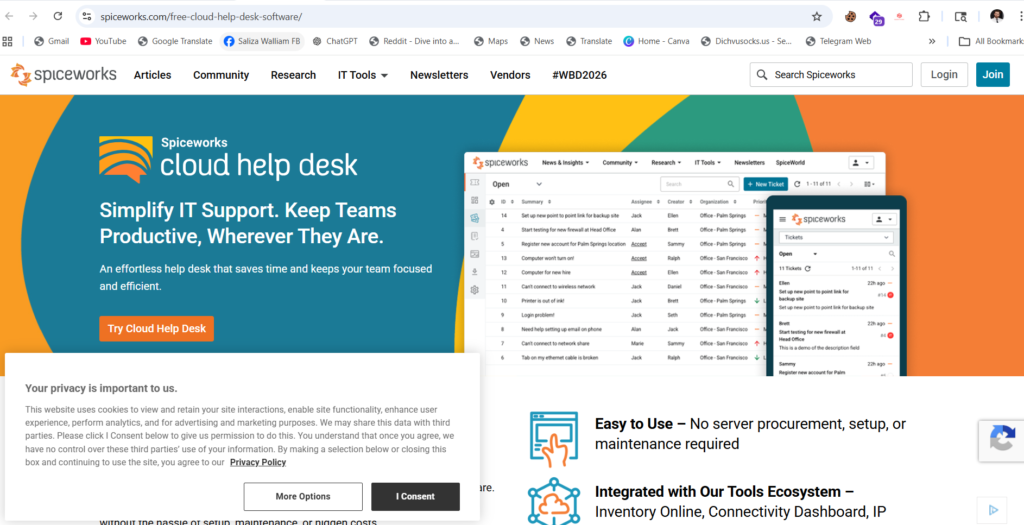
5. Spiceworks Cloud Help Desk — Best Free Option for IT Support
If you’re specifically managing IT support internally — tracking device issues, software requests, and employee tech problems — Spiceworks is genuinely the best free option available.
It’s completely free, supported by in-platform advertising. You get ticketing, basic reporting, and asset/device inventory management. The paid Premium plan removes ads and adds bulk actions for around $5/month per agent.
It won’t win any design awards, and it’s not built for customer-facing support. But for a small business with an IT team of one or two people managing internal tickets, Spiceworks does the job without costing a dollar.
What we like: Completely free, solid IT-specific features, asset management included.
Watch out for: Not suitable for customer support. The interface feels dated.
Pricing:
- Free (ad-supported)
- Premium: ~$5/month per agent
Best for: Small businesses needing IT help desk capabilities with zero budget.
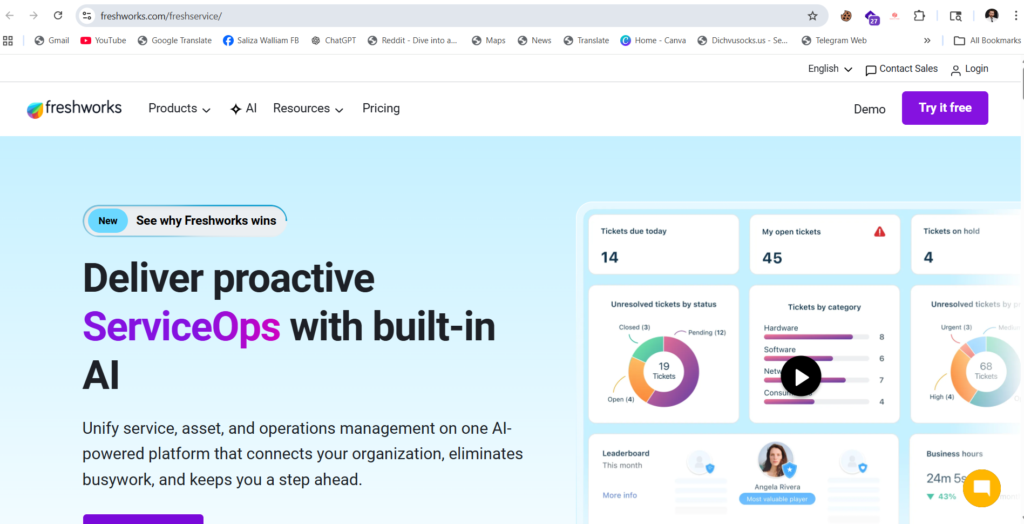
6. Freshservice — Best for IT Teams Wanting Professional Structure
Think of Freshservice as Freshdesk’s more serious sibling designed specifically for internal IT support. It follows ITIL principles — which is just a structured way of managing IT incidents, problems, changes, and assets — without making it complicated to set up.
PCMag named it one of the best IT help desks for 2026, specifically calling out its ease of use and full ITSM feature support. It integrates with Microsoft Teams, Slack, Jira, Azure AD, and over 1,200 other apps through its marketplace.
If your small business has started to formalize its IT processes — even just tracking who’s got what laptop, or managing a software request workflow — Freshservice gives you that structure without enterprise-level complexity.
What we like: ITIL-aligned, excellent integrations, clean UI, strong AI triage features.
Watch out for: Overkill for businesses without a dedicated IT staff.
Pricing:
- Starter: $19/agent/month
- Growth: $49/agent/month
- Pro: $89/agent/month
Best for: Small businesses with a dedicated IT person or team managing internal support requests.
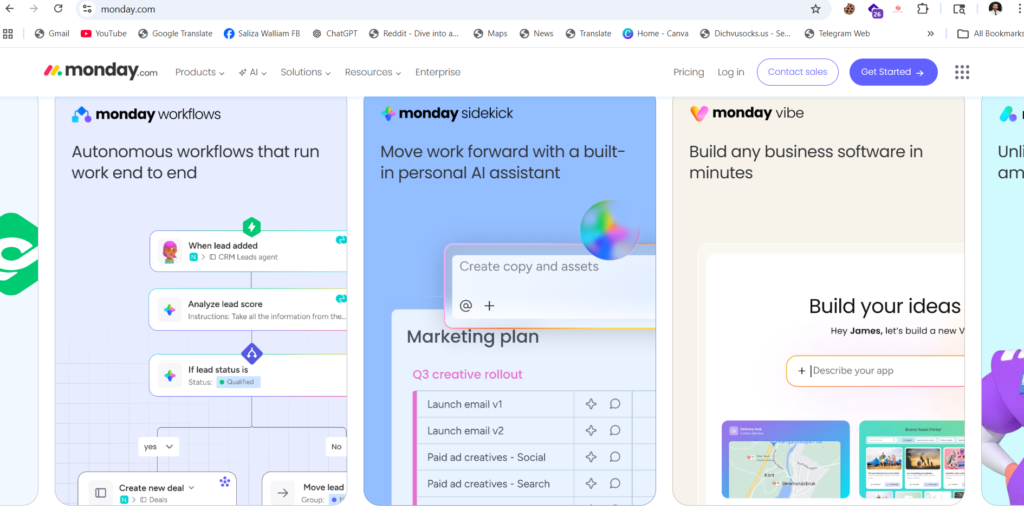
7. Monday service — Best for Teams Already Using Monday.com
If your team already lives inside monday.com for project management, monday service is the easiest way to add a help desk without introducing a new tool into the mix.
It connects support tickets directly to workflows, data, and automation inside the monday Work OS. That means a customer support ticket can automatically trigger a task for your product team, or a billing issue can create a follow-up task for your finance team — all without switching tools.
For small businesses that want their support function integrated with operations rather than siloed in a separate app, this is a genuinely useful setup.
What we like: Seamless integration with monday.com workflows, flexible and low setup overhead.
Watch out for: Not ideal if you’re not already a monday.com user — the ecosystem lock-in is real.
Pricing: Tied to monday.com pricing — contact for specifics.
Best for: Teams already running on monday.com who want support baked into their existing workflow.
Quick Comparison Table
| Tool | Starting Price | Free Plan | Best For |
| Freshdesk | $23/agent/mo | Yes (10 agents) | Overall best for small teams |
| Zoho Desk | $14/agent/mo | Yes (3 agents) | Best value |
| Help Scout | $22/user/mo | No | Customer-relationship focus |
| Zendesk | $19/agent/mo | No(14-day trial) | Scaling businesses |
| Spiceworks | Free | Yes | Free IT help desk |
| Freshservice | $19/agent/mo | No | Internal IT teams |
| monday service | Custom | No | Monday.com users |
How Much Does Help Desk Software Cost for a Small Business?
The range is wide, from free to over $100 per agent per month for enterprise features.
For most small businesses, you’re looking at $15–$50 per agent per month on a paid plan. At a team of three support agents, that’s $45–$150/month — usually worth it within the first month when you factor in time saved and fewer customer complaints.
If budget is tight, Freshdesk’s free plan and Spiceworks’ free IT tier give you a real starting point without spending a cent.
One thing to watch: per-agent pricing sounds cheap when you have two people, but it adds up. If you’re expecting your team to grow, look at tools with flat-rate or seat-inclusive pricing — it often works out much cheaper at scale.
5 Signs Your Small Business Actually Needs Help Desk Software Right Now
You don’t have to be struggling to benefit from a help desk tool. But here are the signals that it’s time to stop waiting:
1. Customer emails are getting lost or delayed. If you’ve ever had a customer email twice because nobody responded, that’s a system failure — not a people failure.
2. You have more than two people handling support. The moment two people share the same inbox, things fall through the cracks. A help desk gives everyone clarity on what’s theirs to handle.
3. You’re answering the same questions over and over. A knowledge base lets customers self-serve. If 30% of your tickets are “how do I reset my password” or “where’s my order,” that’s 30% of tickets you could eliminate.
4. You have no idea how your team is performing. If you can’t answer “what’s our average response time?” or “how many unresolved tickets do we have right now?” — you’re flying blind.
5. You’re growing. Growth amplifies every inefficiency. If support feels manageable now but chaos is on the horizon, putting a system in place before things break is always easier than fixing it after.
Frequently Asked Questions
What is the best free help desk software for small businesses?
Freshdesk offers the most generous free plan for customer-facing support — up to 10 agents with core ticketing features. For internal IT support, Spiceworks Cloud Help Desk is completely free and purpose-built for IT teams.
Is help desk software hard to set up for a small business?
Not with the right tool. Freshdesk and Help Scout are both designed for quick setup — most small teams are up and running within a day. Avoid tools that require heavy configuration out of the box unless you have IT resources to support it.
Can one person manage a help desk for a small business?
Absolutely. Many small businesses run help desk software with a single agent. The software actually makes this more manageable, not less — automation handles routing, canned responses handle repeat questions, and the knowledge base handles self-service.
What’s the difference between a help desk and a ticketing system?
They’re often used interchangeably. A ticketing system is the core function (turning incoming requests into trackable tickets). Help desk software usually includes ticketing plus additional features like knowledge bases, automation, reporting, and omnichannel support.
How do I know which help desk software is right for my business?
Start with three questions: What channels do your customers use to reach you? How many agents will use it? What’s your realistic monthly budget per agent? That narrows the list fast. Then trial your top two picks — most offer 14-day free trials.