7 Ways to Spot Phishing Emails and Stay Safe Online
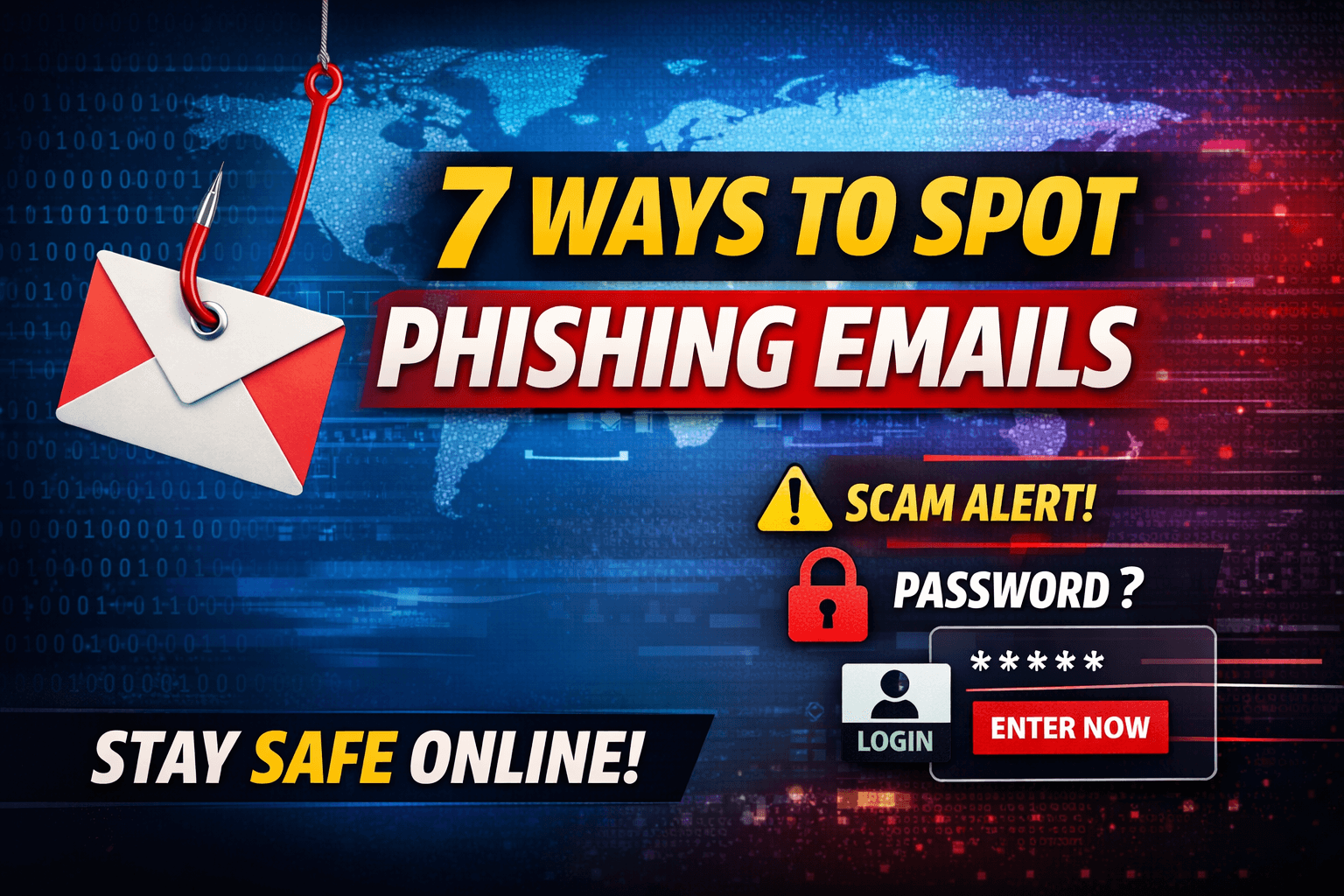
Phishing emails are one of the most common online scams today. Cybercriminals use fake emails to trick people into sharing personal information like passwords, bank details, or OTPs. These emails often look real, coming from banks, social media platforms, or even your workplace.
The good news is that phishing emails can be spotted if you know what to look for. In this blog, we’ll explain 7 easy ways to spot phishing emails so you can protect yourself and your data.
1. Check the Sender’s Email Address Carefully
At first glance, phishing emails look like they come from trusted companies such as Google, PayPal, Amazon, or your bank. But if you check closely, the email address often looks suspicious.
Example:
- Fake:
support@paypa1.com - Real:
support@paypal.com
Small spelling mistakes, extra numbers, or strange domains are a big red flag. Always verify the sender before clicking anything.
2. Look for Urgent or Threatening Language
Phishing emails often try to scare you into acting quickly. They use messages like:
- “Your account will be suspended today”
- “Immediate action required”
- “Unauthorized login detected”
Legitimate companies usually don’t pressure users with threats. If an email creates panic and urgency, take a step back and verify it first.
3. Watch for Grammar and Spelling Mistakes
Many phishing emails contain poor grammar, spelling errors, or awkward sentences. Professional companies proofread their emails carefully.
If you notice:
- Incorrect spelling
- Broken sentences
- Strange formatting
…it’s likely a phishing attempt.
4. Don’t Trust Unexpected Links or Attachments
Phishing emails often include links or attachments that look important. These can lead to fake websites or download malware onto your device.
Before clicking:
- Hover over the link to see the real URL
- Avoid clicking shortened links
- Never open unknown attachments
If the email claims to be from a company, visit the official website directly instead of clicking the link.
5. Be Careful with Requests for Personal Information
Legitimate companies never ask for sensitive information like:
- Passwords
- OTPs
- Credit card details
- Bank PINs
If an email asks for this information, it is almost always a scam. No trusted organization will request such details via email.
6. Check the Greeting Style
Phishing emails often use generic greetings such as:
- “Dear Customer”
- “Hello User”
- “Dear Account Holder”
Real companies usually address you by your name. A generic greeting is a sign that the email was sent to many people at once.
7. Verify Through Another Source
If you are unsure whether an email is real, don’t reply to it. Instead:
- Contact the company using their official website or phone number
- Check your account by logging in directly
- Ask your IT team if it’s a work email
Taking a few extra minutes to verify can save you from major financial or data loss.
Final Thoughts
Phishing emails are becoming smarter, but awareness is your strongest defense. By following these 7 ways to spot phishing emails, you can protect your personal information and stay safe online.
Remember:
- Think before you click
- Never share sensitive details
- When in doubt, verify first
Staying alert today can prevent big problems tomorrow.